
What Is a Linear Motor Module and When Do You Really Need One?
2025-12-03Electric Cylinders vs Pneumatic Cylinders: Motion Control, Force and Cost
2025-12-051. What Is a Multi-Axis Actuator System?
A multi-axis actuator system combines two or more linear (and sometimes rotary) axes into one coordinated platform. Instead of each axis working alone, they are:
- Mechanically connected or stacked
- Controlled by a multi-axis motion controller
- Programmed to move together along defined paths
Typical goals:
- Move a tool or gripper to any point within a work area
- Follow a path (for example, dispensing glue or laser cutting)
- Handle parts between multiple stations
You can build a multi-axis system by combining standard linear modules, rotary tables and electric cylinders.
2. From Single Axis to 4-Axis: Common Configurations
2.1 Single axis – the starting point
A single linear actuator:
- Moves in one straight line (X or Y or Z)
- Is perfect for simple positioning, pushing, or feeding tasks
Examples:
- Adjusting a sensor position
- Indexing a fixture
- Opening / closing a gate
Single axes often become building blocks for the multi-axis systems described below.
2.2 2-axis linear actuator (XY system)
A 2 axis linear actuator combines two linear modules to create motion in a plane:
- XY stack
- One axis mounted on top of the other
- Common in small work areas and light-load applications
- Cross table
- Perpendicular axes arranged as a compact stage
- Often used in inspection and small part assembly
Typical uses:
- Pick-and-place between two rows of parts
- Vision inspection where the camera scans a product surface
- PCB testing and probing
Advantages:
- Simple mechanics
- Easy to understand coordinate system (X and Y)
Limitations:
- Working area limited by the size of the axes
- When one axis is stacked on another, the bottom axis must carry the weight of both.
2.3 3-axis XYZ stage
Add a vertical axis to XY and you get an XYZ stage:
- X and Y create the horizontal plane
- Z axis handles height adjustment, loading, or press strokes
XYZ stages are the classic layout for:
- Electronics pick-and-place machines
- 3D dispensing and sealing
- Laser marking / engraving
- Lab automation systems moving pipettes or probes
Design options:
- Z on Y: Z axis mounted on the moving Y carriage
- Z on X: chosen when one direction needs better stiffness
- Sometimes a rotary axis (θ) is added on top to orient the tool, creating an XYZ-θ system.
2.4 4-axis gantry robot
A gantry robot (or Cartesian robot) is a multi-axis actuator designed to cover large work areas with good stiffness.
Typical 4-axis gantry layout:
- Two parallel X-axes forming the “bridge”
- A Y-axis mounted between them
- A Z-axis suspended from the Y carriage
The fourth axis is often rotation (R) of the tool or gripper.
Use cases:
- Palletizing and depalletizing cartons or bags
- Transferring heavy parts across multiple stations
- Handling large panels (glass, solar modules, battery packs)
- Loading/unloading machine tools or presses
Advantages:
- Can cover long strokes in X and Y
- High load capacity with good accuracy
- Straightforward coordinate system for programming
3. Key Components of a Multi-Axis Linear System
Regardless of configuration, most systems share the same building blocks:
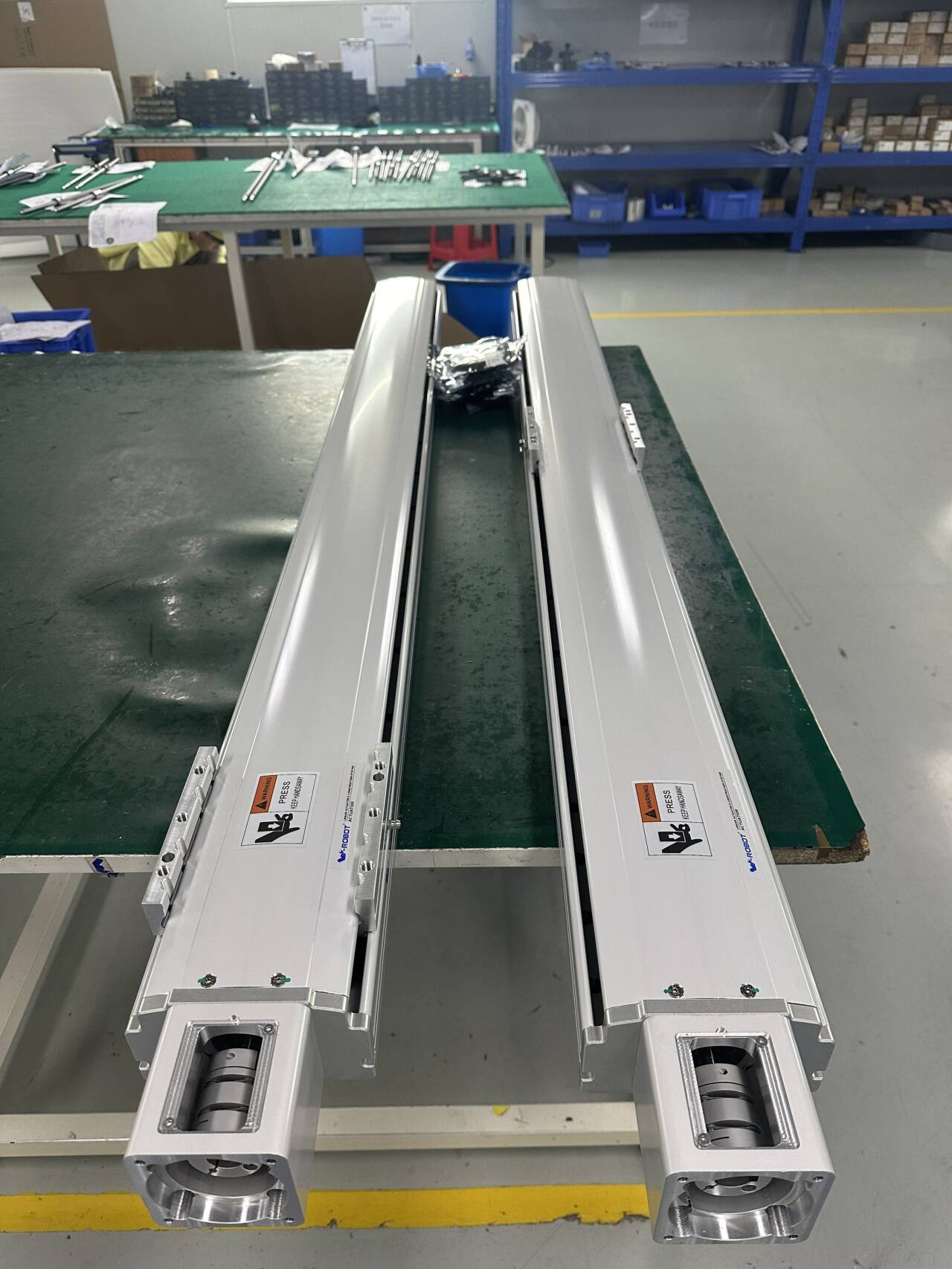
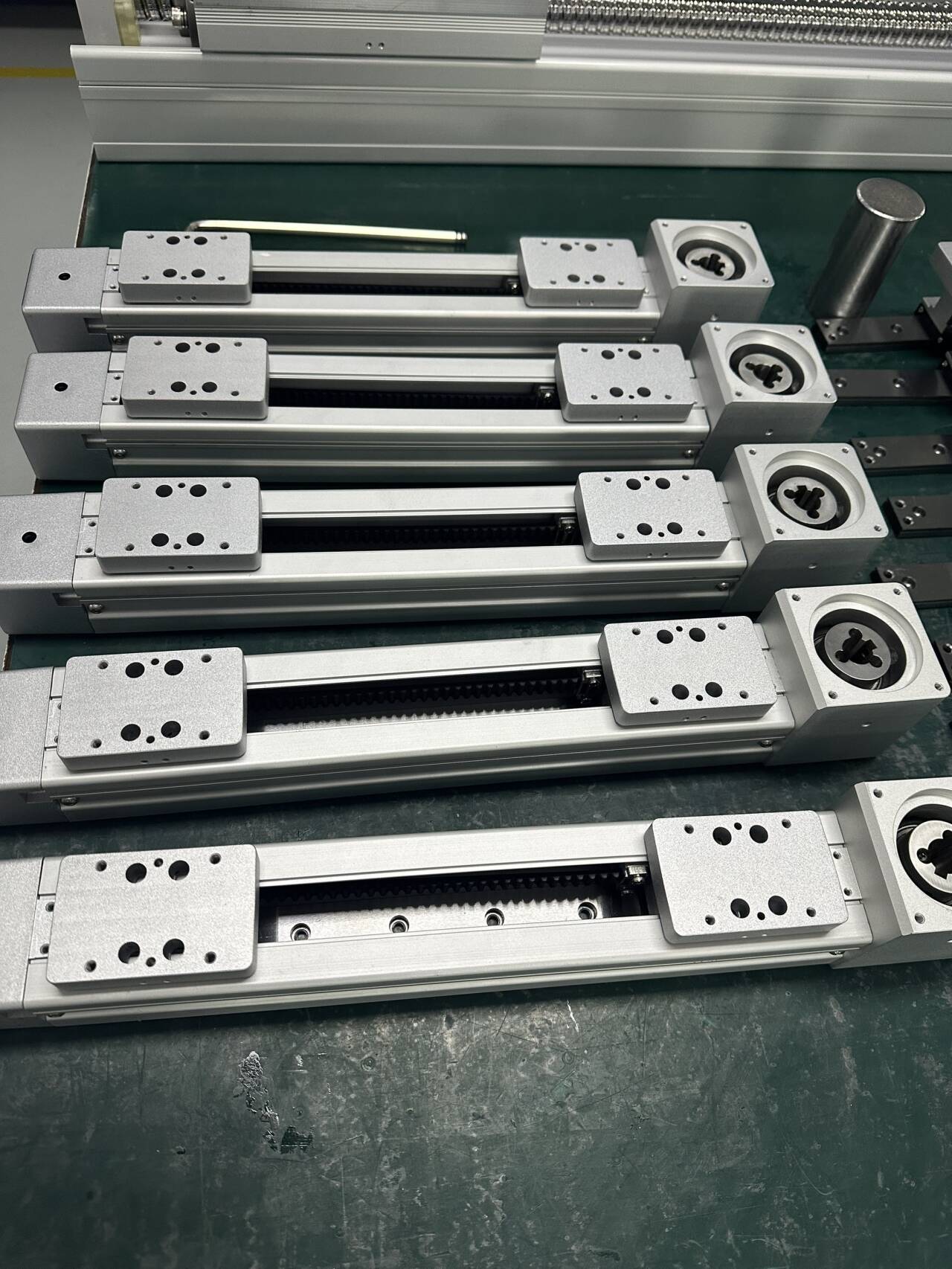
- Linear modules / actuators
- Screw, belt, or linear motor drive
- Provide the actual translational motion
- Vertical axis (Z)
- Often a ball-screw or electric cylinder for better holding force
- May include a brake for safety in case of power loss
- Rotary axis (optional)
- Electric rotary table or direct-drive rotary motor
- Used to orient tools, grippers, or parts
- End-effector
- Gripper, suction cup, nozzle, camera, or tool
- Multi-axis controller and drives
- Synchronizes all axes
- Executes point-to-point moves, linear and circular interpolation, and complex paths
- Safety and feedback
- Limit switches, home sensors, encoders
- Safety interlocks and emergency stop integration
4. How to Choose a Multi-Axis Layout
When planning a multi-axis actuator system, consider these factors.
4.1 Workspace and reach
- Width, depth, and height of the working area
- Clearance for fixtures, conveyors, and guarding
- Any “keep-out zones” where motion is not allowed
A small work area with light parts may suit an XYZ stage. Large pallets or panels often require a gantry robot.
4.2 Payload and moments
- Total mass of the tooling, grippers, and workpiece
- Distance from the carriage to the center of gravity (creates moments)
- Additional process forces (pressing, cutting, drilling)
Heavier loads and long overhangs push you towards stiff, twin-beam gantry designs rather than compact stacked axes.
4.3 Precision and repeatability
Define:
- Required repeatability at the tool center point
- Any straightness or flatness requirements during motion
- Whether you need smooth path motion (for example, dispensing)
High precision may require:
- Ball-screw or linear motor modules
- Compensation with cameras or calibration routines
- Well-designed machine frames to avoid deflection.
4.4 Speed and cycle time
Ask:
- How many cycles per minute or parts per hour are needed?
- What is the longest move and how fast must it be?
If cycle time is strict:
- Use belt or linear motor modules for long, fast moves in X or Y
- Keep moving masses as low as possible
- Minimize unnecessary Z-axis travel
4.5 Environment
Consider:
- Dust, chips, and splash (may require fully enclosed modules)
- Temperature and humidity
- Cleanroom or ESD requirements
Protection level affects the cost and lifetime of your multi-axis actuator.
5. Typical Multi-Axis Application Examples
5.1 2-Axis linear actuator over a conveyor
- X axis spans across a conveyor
- Z axis or short Y axis handles side-to-side moves
- Used to sort parts, print labels, or divert products
This is a simple step from single-axis to a practical multi-axis system.
5.2 XYZ stage for electronics assembly
- X and Y form a compact table
- Z axis carries a vacuum nozzle and optional θ rotation
- System places components onto PCBs or fixtures
Here, accuracy and repeatability are more important than very long strokes.
5.3 4-Axis gantry robot for palletizing
- Long X beams run above a pallet area
- Y axis spans across pallets
- Z axis lifts cartons or bags
- A rotary axis aligns labels or handles orientation
This configuration uses the strengths of a gantry robot: long reach, high load capacity, and straightforward programming.
6. Practical Design Tips for Multi-Axis Actuators
- Keep heavy axes low in the stack: let X carry Y, and Y carry Z, rather than the opposite.
- Reduce moving mass: lighter carriages, compact grippers, and optimized fixtures improve dynamics.
- Use shared reference surfaces and precise machining to keep axes square and aligned.
- Plan cable routing and energy chains early; they can limit stroke if forgotten.
- Simulate or roughly calculate deflection and resonant frequencies for long beams, especially in gantry designs.
7. Conclusion
A multi axis actuator is not a mysterious black box—it is just a well-organized combination of standard linear and rotary axes, controlled in a coordinated way.
- Start with the motion you need: a simple 2-axis linear actuator, a compact XYZ stage, or a large gantry robot.
- Then size each axis based on workspace, payload, precision, speed, and environment.
